













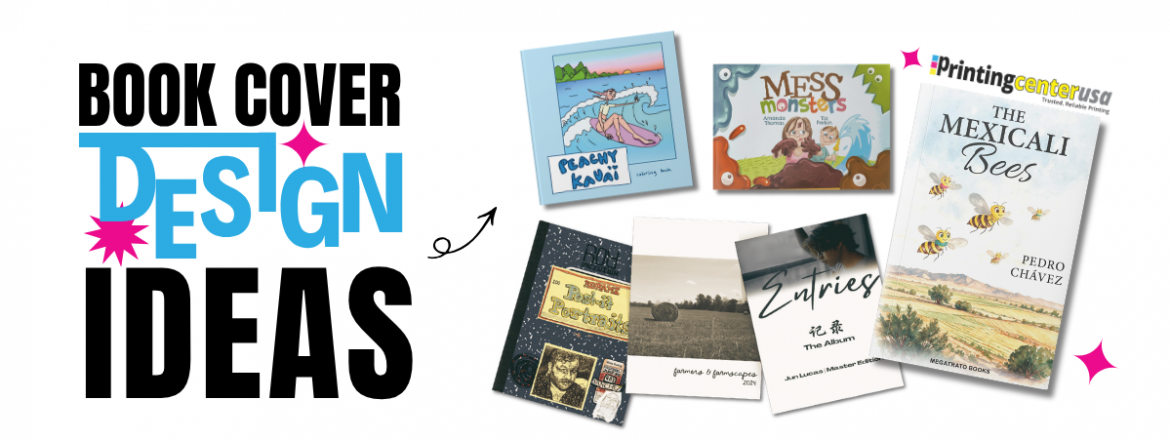
Book Cover Design Ideas
Regardless of whether you like it or not, a huge part of your book’s success comes down to how the cover looks. Readers judge a book by its cover and it’s never going to change. Looks matter and it’s that split-second reaction that gets them to pick it up or click on it. So, you have to dedicate time to making your cover POP. Your cover has to compete with every other book in its genre, so it has to invoke some kind of emotion and say something. The cover design is crucial.
Discover our top book cover design ideas and tips to create a cover that will compete with every other book in its field.
How to Design Your Book Cover with the Reader in Mind
Every book is different and will require different elements in its design to resonate the message with its audience. There are many options out there to consider, so it is crucial that you consider what each element will convey to your reader First thing’s first, define who is going to be reading your book. This will refine the style of your book cover design as you come up with more ideas. Take your time and understand what will appeal to your readership, and what won’t, and let these insights guide your design process.
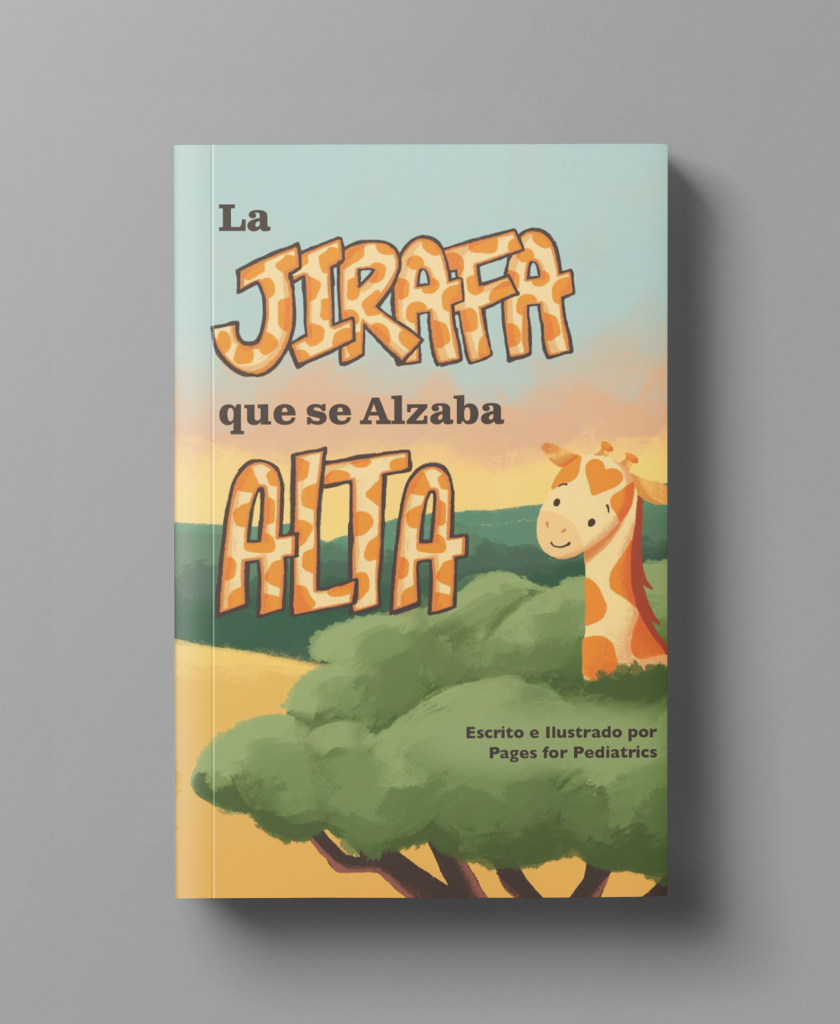
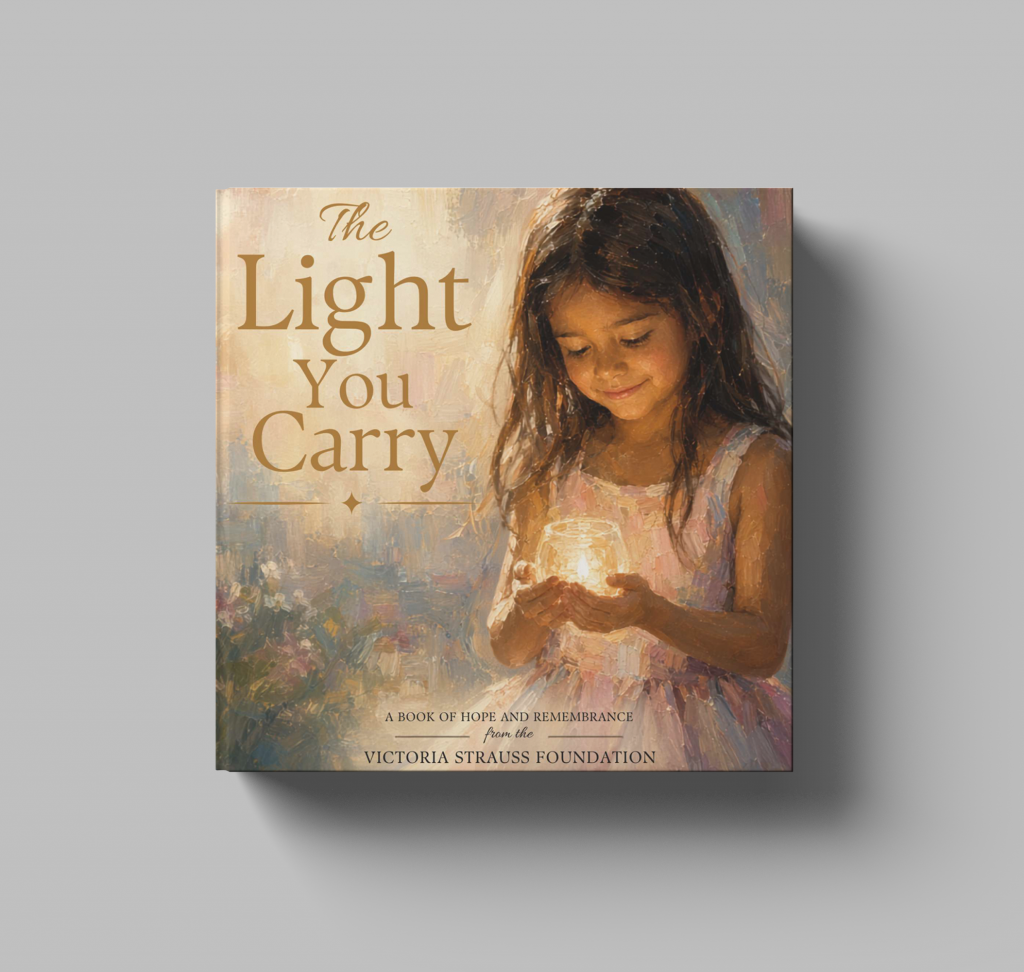
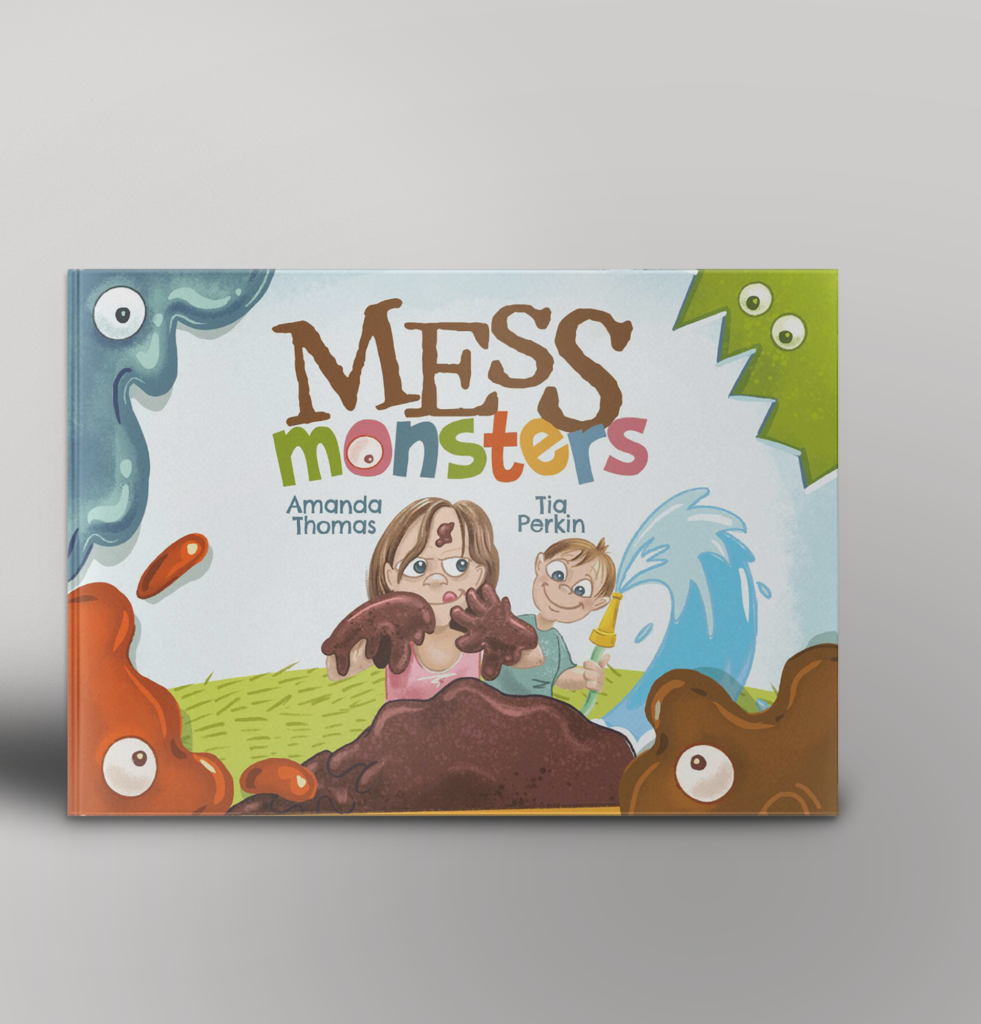
Research their demographic and interests. For example, if you are writing for younger children, then keep your book cover design vibrant with big text or if you’re writing for millennials, they connect with artsy creative designs
How to Match Your Book Cover to Your Genre
Are you writing an action novel? Horror? Romance? Whatever category you fall into, your book cover design should clearly impart the book’s genre to readers. While many readers enjoy a variety of genres in their book selection, most will stick to one or two categories.
With this in mind, it makes sense that people won’t buy your book if they pick it up expecting a fantasy novel, but after reading the description, find it’s actually a collection of short comic stories. This is a sure-fire way of repelling readers from purchasing your book and putting it back on the shelf.
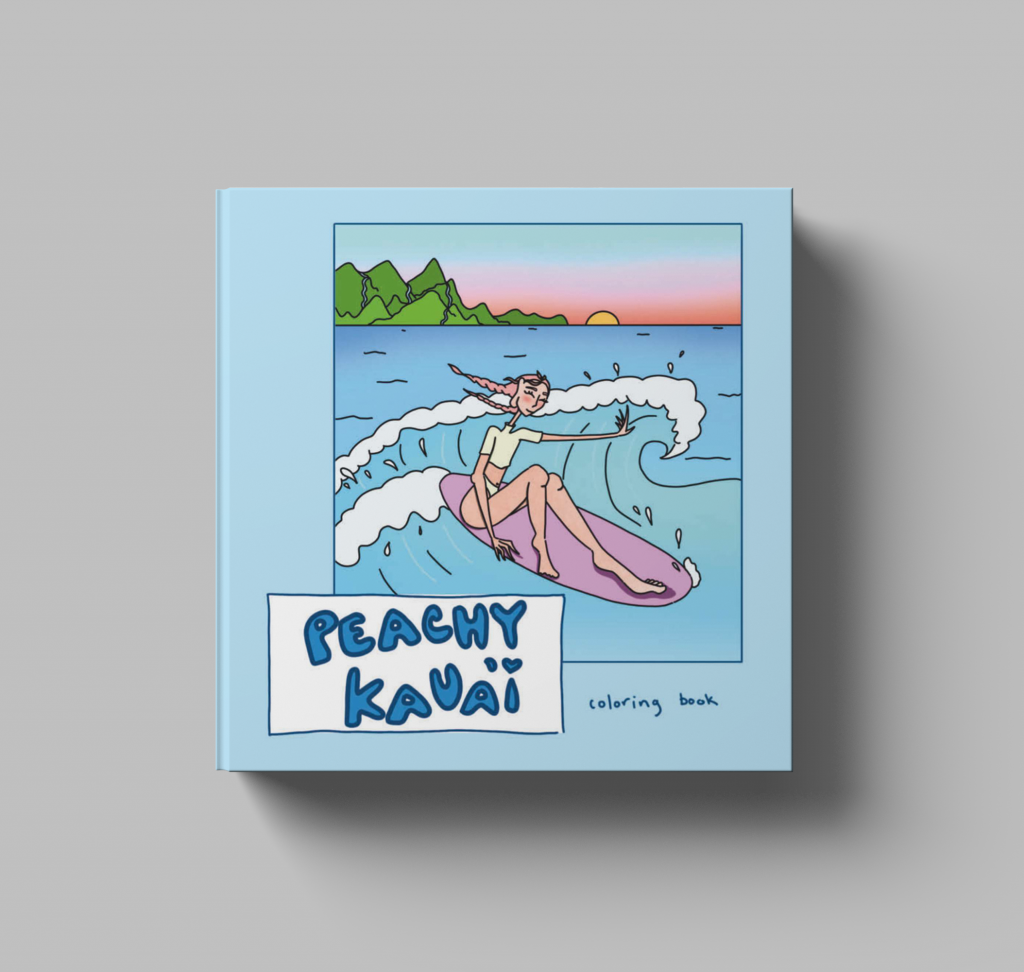
Similarly, if someone is looking for short comic stories, they will pass over your book since they aren’t interested in gloomy imagery with a dramatic color scheme. All in all, it’s a good idea to select elements in your design that mimic the feel of your writing genre. This way, you can be sure that you’re going to captivate your main readership, right away.
How to Balance Text and Image on Your Cover
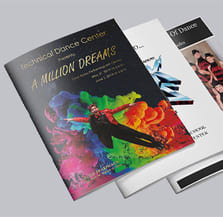
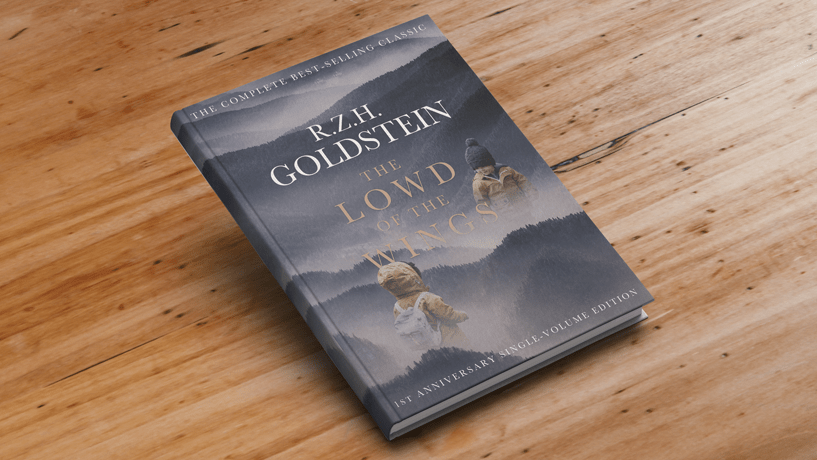
Avoid separating the text and graphics. Let the image speak for itself while incorporating the text in a fun way. This can be achieved by fusing colors, linking sections of text into the image with shadows, or inserting words into the picture. This adds dimension to the text without taking away from the image.
This is an excellent book cover design idea if you want the reader to get an instant feeling or vibe from your cover. It will entice them to open your book and keep reading, as the connectedness of your design will easily let them interpret the message for themselves.
Less is More
The best way to create an eye-catching cover is to keep it simple. Simple book covers are easy to quickly understand. While you may want to include all sorts of details, leave the unnecessary details for the back cover. This will allow the image to breathe while keeping the text bold and your message clear.
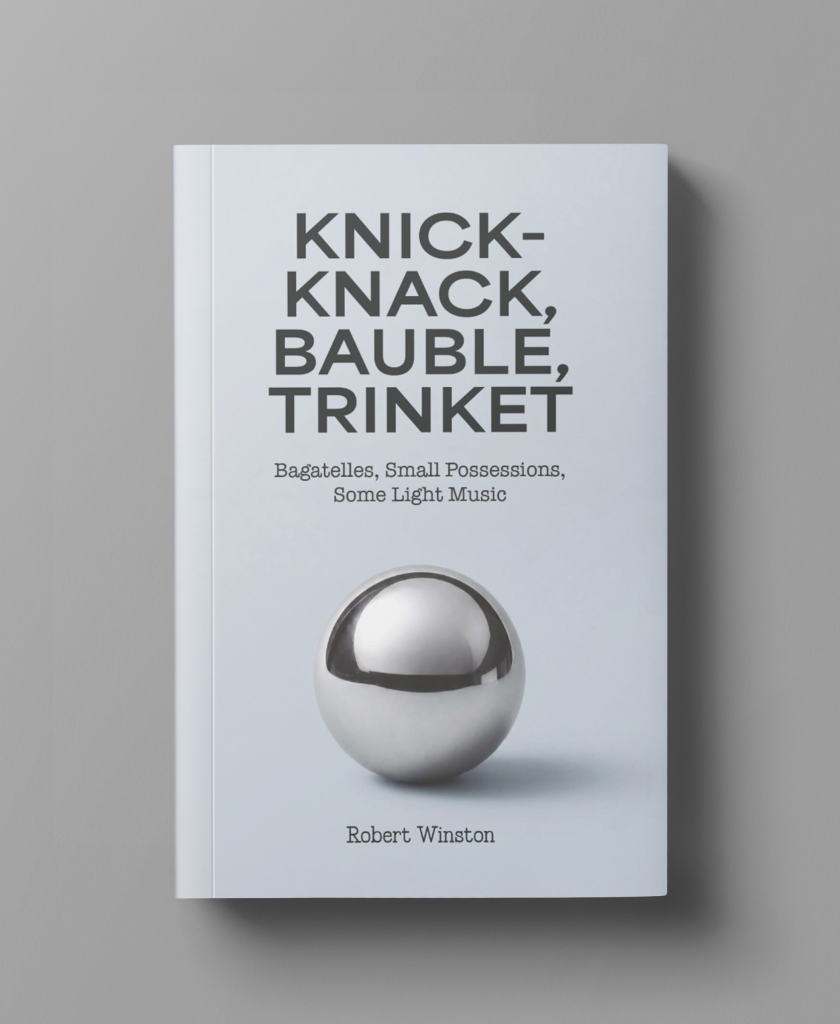
The goal here is to convey your book’s main idea with a single image, drawing, and font to avoid detail covering every inch of the cover. This is especially true for books with a serious tone underneath them, like self-help.
Using Visual Hierarchy to Guide the Reader’s Eye.
Pay attention to the visual hierarchy of the text you use in the book cover design. What words do you want the reader to absorb right away? Focus on making these keywords the emphasis of your design using a hierarchical layout. Not every author wants their first and last name in bold, while others may want to draw the reader’s eye there.
Either way, every word on your book cover including the line spacing and width, should be legible. Play around with the font style, size, weight, and spacing. Every word should be in aesthetic harmony with the rest of the cover design.
How to Choose Book Cover Colors that Evoke Emotion
Color is a profound tool to utilize in fonts and images for book covers because they get under the skin of your reader. For example, blue can be calming and peaceful, while red can be energizing and romantic. Many book publishers incorporate this strategy into their designs to quickly entice their readers.
You can immediately instill a feeling in your reader before they even pick up the book with the correct color selection. Not only are colors visually pleasing, they usually carry a variety of charged feelings that can be extremely versatile across genres and themes. When it comes to color, you don’t want to go against your genre. Yellow, for instance, might not be the greatest color choice for a horror novel because it does not match the overall emotion your writing is trying to produce. With this in mind, try using complementary colors that highlight your imagery. This will give your title more hierarchy and emotive energy that draws your reader closer and closer.
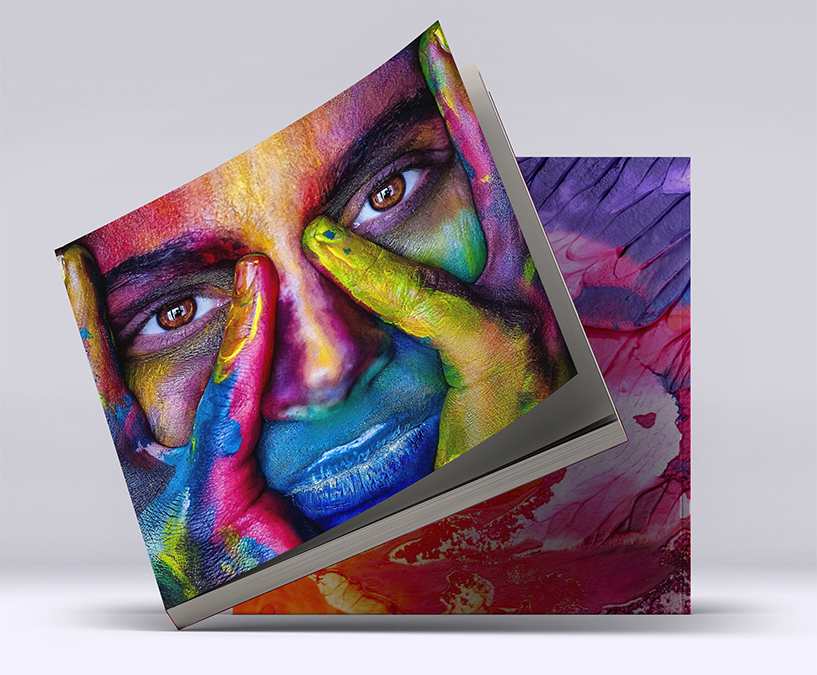
Color is also splitting by genre right now more than it used to. Bright, high-contrast color palettes are dominating the romance and YA genres because they work really well even as a tiny thumbnail. Thriller, horror, and literary fiction are leaning the opposite way into nearly monochromatic dark palettes with a single accent color doing all the work. That kind of goes hand in hand with the feeling you’re trying to instill in your reader: bright colors are always deemed happy, dark colors are kind of perceived as moody, etc.
How to Find the Best Seller Books
What books are popular in your genre right now? Pay attention to these trends and channel that inspiration into your own cover design. Look at the NY times bestselling list, Amazon, Barnes & Noble, social media, or to your local library.
Write down any repeated design elements or styles that you notice. Do the covers contain abstract designs? Bold colors? Full typography? Do they contain characters? Recognizing the current market trends will help the reader’s expectations while being distinctive enough to stand out. For example, the books popular in “booktok” all follow a similar cover design and title structure. Readers immediately know what to expect. With this in mind, save any images or illustrations that you think will work for your book.
Take what you learned and combine it with your personality, and don’t forget about your book characters, they can help determine the feel as well.
How to Find the Right Book Cover Designer
It has never been easier to find a designer online who will help you create a professional book cover design. However, it can be hard to know who will produce the results you’re looking for! PrintingCenterUSA works with a reputable list of graphic designers who specialize in book cover design.

Hire someone with experience and a good track record. Look at their reviews from past clients, what writers or publishing houses they previously worked with, and what genres they specialize in.
Next, concentrate on whether you like their designs. Does their aesthetic work with your vision? Find a few expert designers and evaluate the visual styles of their portfolios. Working together is useless if they don’t like what they’ve produced in the past! Only choose a designer whose works you would be proud to include in your book.
What Are the Best AI Tools for Book Cover Design?
- Canva’s Magic Studio is the easiest starting point since it handles everything in one place. Canva’s AI is still relatively new, but if you prompt it right, it can give you everything you need to get started.
- Midjourney is a stronger tool on the market right now and is known for image quality, especially for genres like fantasy, sci-fi, and thriller.
- Adobe Firefly is a top pick for image generation.
AI tools can definitely design a book cover and do so in seconds. The speed and low cost are why so many self-published authors experiment with it first. Like most things, we recommend AI be used as a tool and resource to speed up the process, not as the end-all design.AI still struggles with the part of cover design that actually hooks people looking. It can produce an image with your genre and target reader in mind, but it doesn’t have the eye that a human designer does. AI-designed covers tend to come out generic, and authors who use them end up having to retouch or correct the results anyway.
These designs can definitely be used to help spark inspiration, but they lack the soul and life that only a human being can recreate and add. There are specific copyright questions regarding AI designs and how the tools are trained. Do your research on the tool you end up using and what grounds you have to use the image commercially before you build your entire cover on an AI tool.
What to Tell Your Designer
A design brief is a document that tells your designer exactly what you want on your cover, so nothing gets lost between what’s in your head and what ends up on the page. Once you have contacted a talented book cover designer, you’ll want to create a design brief of the elements you want to be included on your cover. Be sure to include any notes from your own independent research, the book’s title, a succinct overview, and describe who your target market is.
It is crucial that you include the book cover dimensions based on the sort of book format you choose to print your book in. With printed versions, you must also take into account the spine, back cover, and even the flaps (if you’re publishing a hardcover edition). For e-books, the typical size on KDP is a 2560 x 1600 px front cover.
Here at PrintingCenterUSA, our book publishing services offer sizes like 5.5″ x 8.5″, 6″ x 9″, and 8.5″ x 11″, along with custom dimensions if your project calls for something different. Your designer will need your exact trim size before they start, since your spine width depends on your page count. PrintingCenterUSA’s spine calculator handles that math for you, and images should be built at 300 dpi or higher so nothing looks soft once it’s printed.
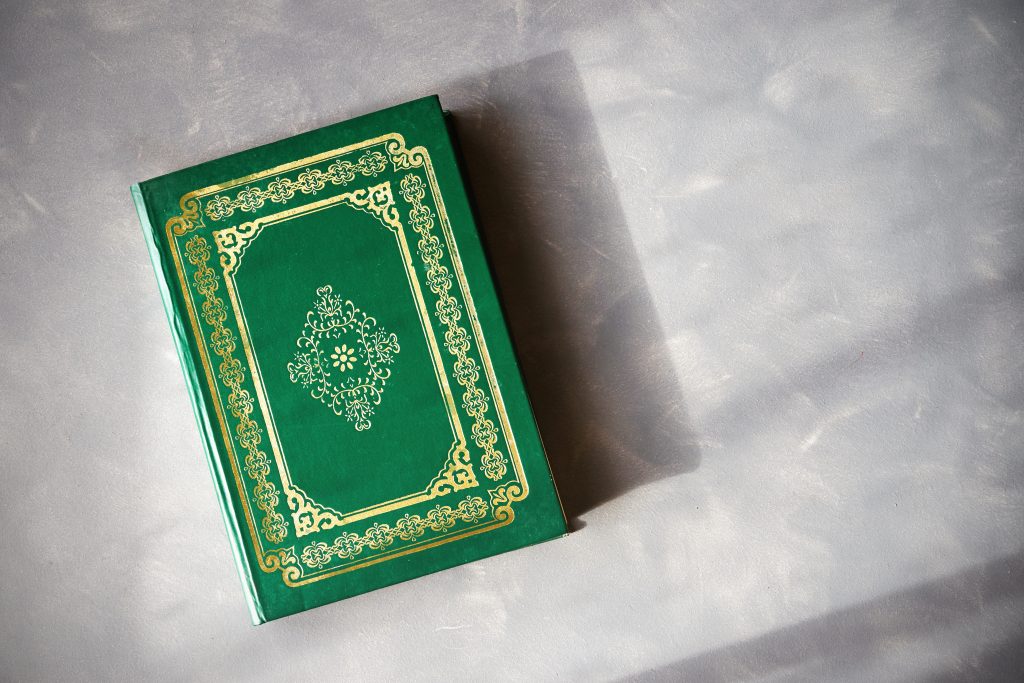
A really helpful tool for the designer to comprehend what you’re after in your design brief is a mood board. This is an assortment of pictures, notes, colors, and sketches about the design style you adore. Include other book cover designs or illustrations you found appealing to serve as inspiration. Pinterest helps with this. This visual inspiration is key in order for the designer to create an original design that you will fall in love with.
How to Test & Refine your Book Cover Before Publishing
You may have several different ideas for your book cover design, so the best way to see what is the most viable is to experiment and test with your target audience. Review the early concepts from your designer and test them on real readers.
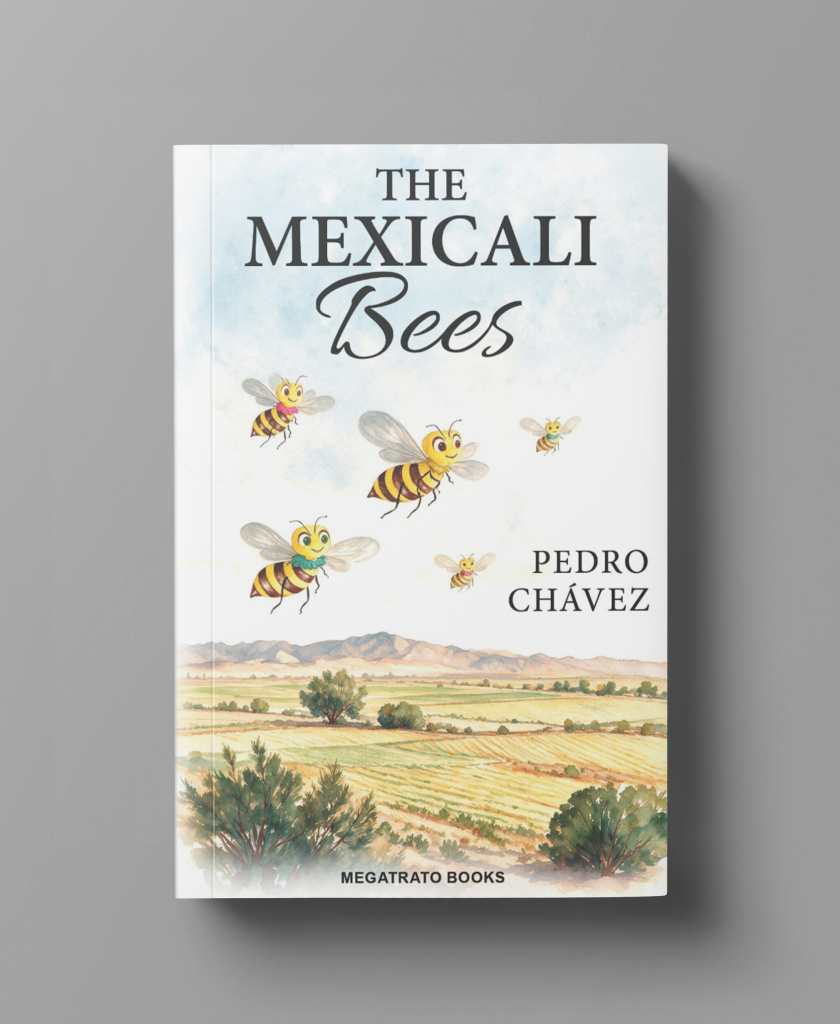
You can create simple Facebook or Instagram advertising campaigns to see which design ideas readers respond to the best. You’ll have to spend a little bit more money, but it could have a significant impact on the number of copies you sell.
- Create two campaigns with the same copy and CTA but different cover designs.
- Once they have received enough impressions, verify and compare the click-through rates of the two campaigns.
With this feedback in mind, refine your book cover design graphics into a final concept. This can include the color scheme, typography, location of the text, font, and graphics.
Remember to keep an open mind to your designers suggestions and allow them to contribute their unique talents.
Polish off the Final Design
It’s time to put the finishing touches on the final design! Refine any subtitles, logos, or images for your book cover, including the front and back covers and spine. Double check it is compatible with the right format that you are publishing your book in.


JPEGs are typically used for e-books and print-ready PDFs for prints. Depending on what you’ve agreed upon, your designer might provide a variety of design options to use for digital marketing, social media updates, or your personal website. Your designer may still produce appealing mockups for you to utilize in book promotion even if you decide not to manufacture actual copies of it!
FAQ about Book Cover Design
What are the current book cover design trends?
Bold, oversized typography, geometric layout structuring, and hand-rendered or textured art are leading the way in 2026, with color palettes now splitting distinctly by genre.
What are the best AI tools for book cover design?
Canva’s Magic Studio, Midjourney, and Adobe Firefly are the strongest options right now, but all of them work best as a starting point rather than a finished cover.
How much does it cost to hire a book cover designer?
Pricing depends heavily on whether you choose a premade template-based cover or a fully custom design, with custom work costing more and taking longer to complete.
What size should my book cover be?
It depends on your trim size and format, common print sizes include 5.5″ x 8.5″, 6″ x 9″, and 8.5″ x 11″, while ebook covers on KDP are typically 2560 x 1600 px.
Should I design my own book cover?
It’s possible with tools like Canva or Photoshop, but most publishing experts recommend hiring a professional designer since your cover is one of the biggest factors in whether readers pick up your book.
What file format do I need for a print-ready book cover?
Print-ready covers are typically delivered as PDFs, while JPEGs are standard for ebook covers.
Ready to Publish your Book?
Now that your book cover is designed professionally and beautifully, it’s time for you to publish it!
Do you want a high-quality print production company to take care of this at an affordable price? PrintingCenterUSA has got you covered! We specialize in providing the best book publishing services in the USA with a wide range of sizes, finishes, coating options, gloss, and more! We can deliver your book to you in as little as 3-4 days after the proof is approved! Whether you are after a gloss, matte cover to display your book design, we have a combination of short run digital and bulk offset printing options to meet all your printing needs!
We also provide free templates, and a easy-to-use online book maker to craft your own book together. With a Satisfaction Guarantee and excellent customer service, start your project with us today!